Auto Camera Steering Pro
New
| Mod Name | Auto Camera Steering Pro |
| Game | Farming Simulator 25 |
| Manufacturer | None |
| Category | Gameplay |
| Author | Partisan |
| Size | 0.10 MB |
| Version | 1.0.0.0 |
| Release Date | 12.11.2026 |
| Platform | PC/MAC |
Views 11
Downloads 1
ModBarn 0 (0)
ModHub 0.0 (0)
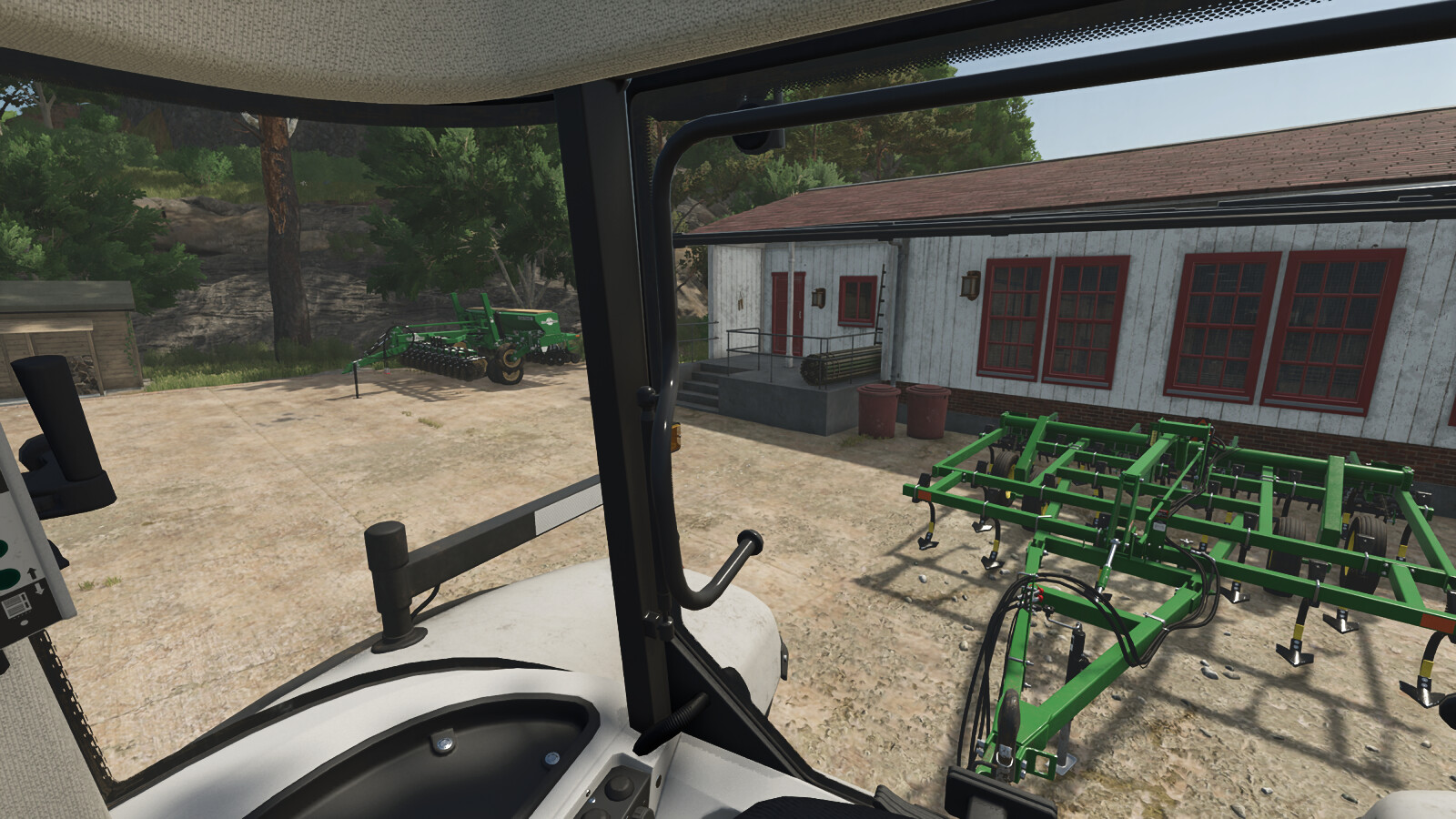
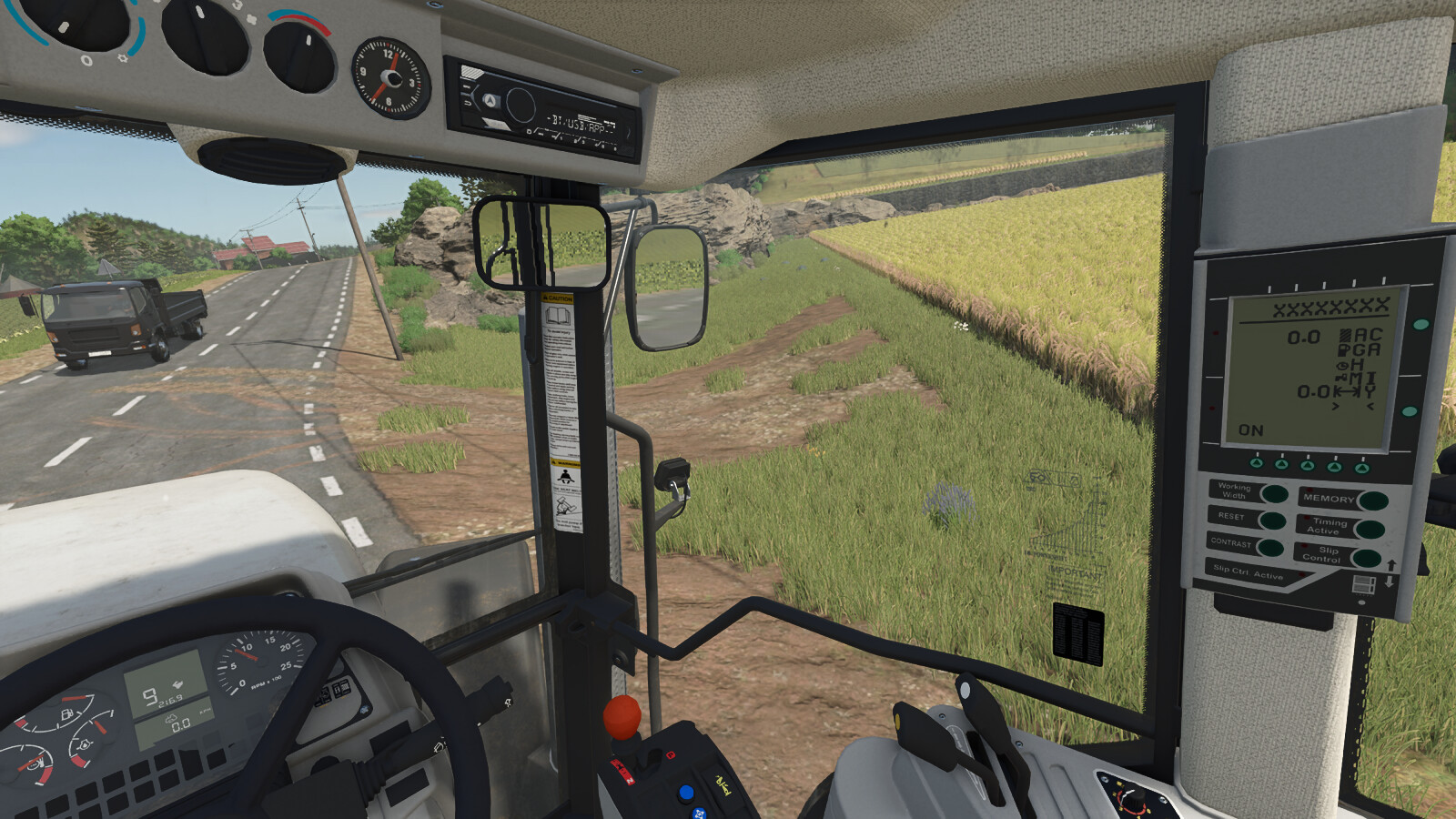
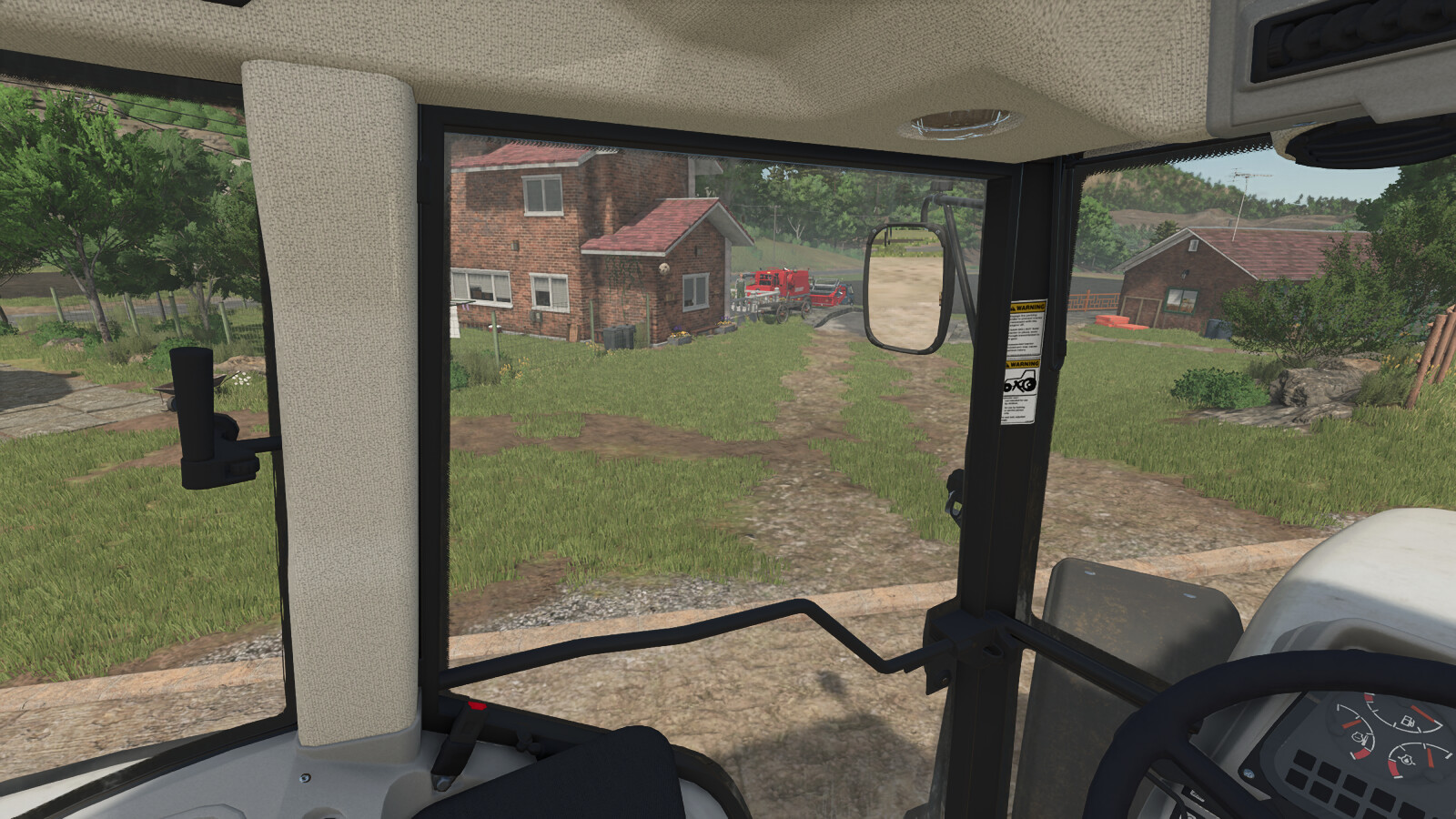
The mod is made for comfortable play from the cabin with any device: wheel, gamepad or keyboard.
Auto Camera Steering turns the interior camera into the turn as you steer, like the head movement of a real driver.
FEATURES
- Camera follows the steering: the interior view turns smoothly in the direction you steer. It works standing still and at any speed.
- Input profiles: Wheel, Gamepad or Keyboard. Each has its own dead zone and smoothing, so the camera is precise on a wheel and calm on the A/D keys.
- Adjustable sensitivity (7 levels) and maximum turn angle (25°, 45°, 90° or 120°).
- Reverse flip: when the vehicle really starts driving backwards, the camera turns to look behind and the steering direction is mirrored. Selecting reverse gear or a light nudge does not trigger it; the vehicle has to move backwards (about 2 km/h for a short moment). The same rule applies when you drive forward again.
- Auto-centering: after you look around with the mouse, the camera smoothly returns to the front while you drive forward. Adjustable delay (1-5 s), return speed and movement threshold. Looking around manually is never interrupted.
- Straight ahead on entry: the camera always looks in the real driving direction, even in vehicles whose default camera looks to the side.
- Quick glance: hold a key to look back, left or right; the camera returns smoothly when you release it. Works driving forward and in reverse.
- Interior camera zoom with the mouse wheel and its own reset key. The zoom can be switched off in the settings.
- Hotkeys (can be changed in the controls menu): Right Ctrl + / enables or disables the mod. Right Ctrl + , pauses or resumes auto-centering for free look.
- Look back, look left, look right and reset zoom are not assigned by default: choose your own keys in the controls menu, Auto Camera section.
- All options are in the game settings menu and are saved automatically.
- Multiplayer: purely visual and client-side. It only affects your own camera.
NOTES
- Works with interior (cabin) cameras. Mouse look always has priority over the automatic movement.
Suggested Mods

Ratings & Reviews
0
0 reviews
| 5 stars | ||
| 4 stars | ||
| 3 stars | ||
| 2 stars | ||
| 1 stars |
| Login above to Rate & Review this. Let us know what you think! |
| No Ratings & Reviews Yet. Be the first to leave a Rating & Review! |