Speed Limiter
New
| Mod Name | Speed Limiter |
| Game | Farming Simulator 25 |
| Manufacturer | None |
| Category | Gameplay |
| Author | Ole_sch |
| Size | 91 KB |
| Version | 1.0.0.0 |
| Release Date | 25.11.2026 |
| Platform | PC/MAC |
Views 100
Downloads 0
ModBarn 0 (0)
ModHub 5.0 (1)
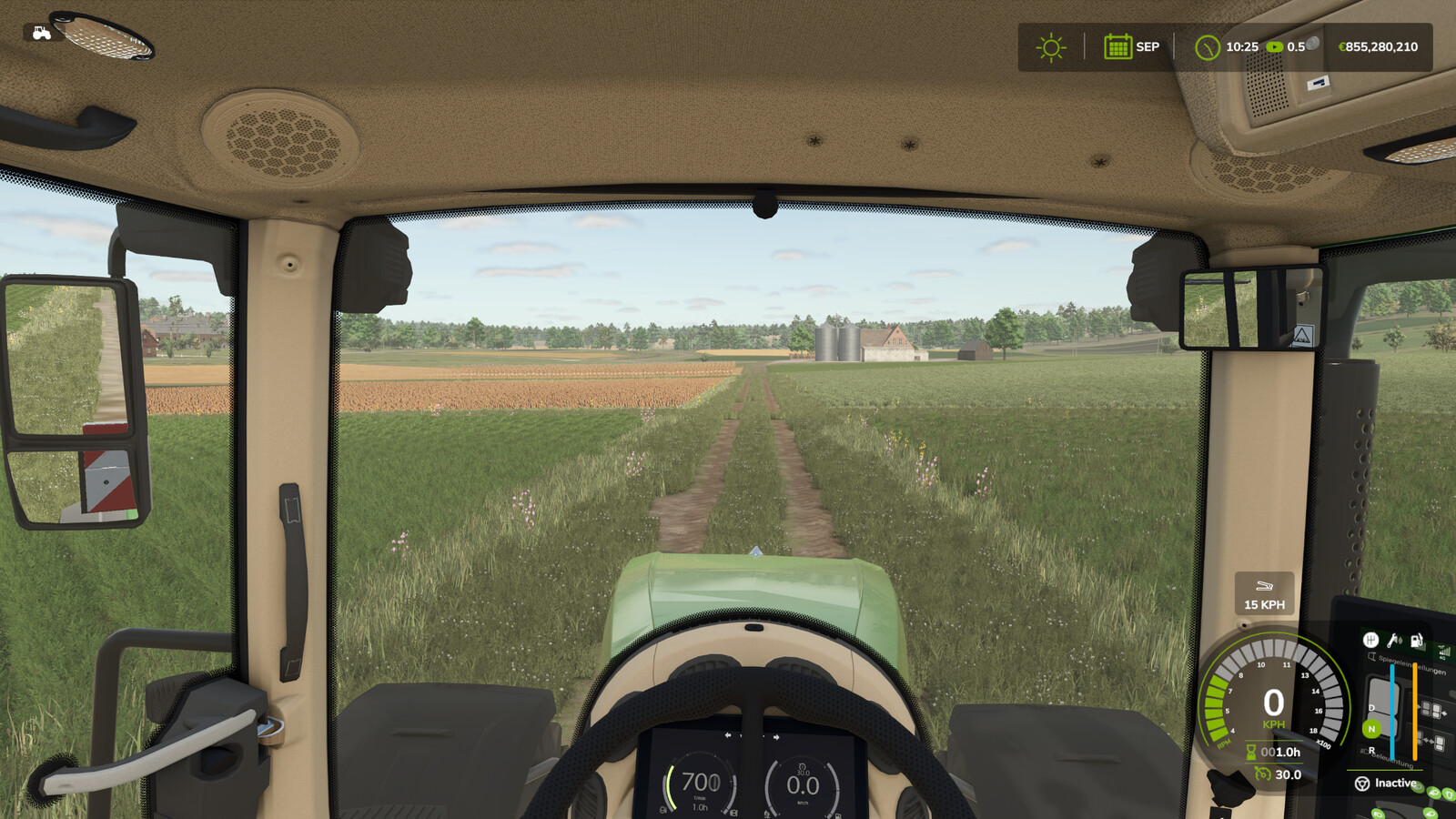
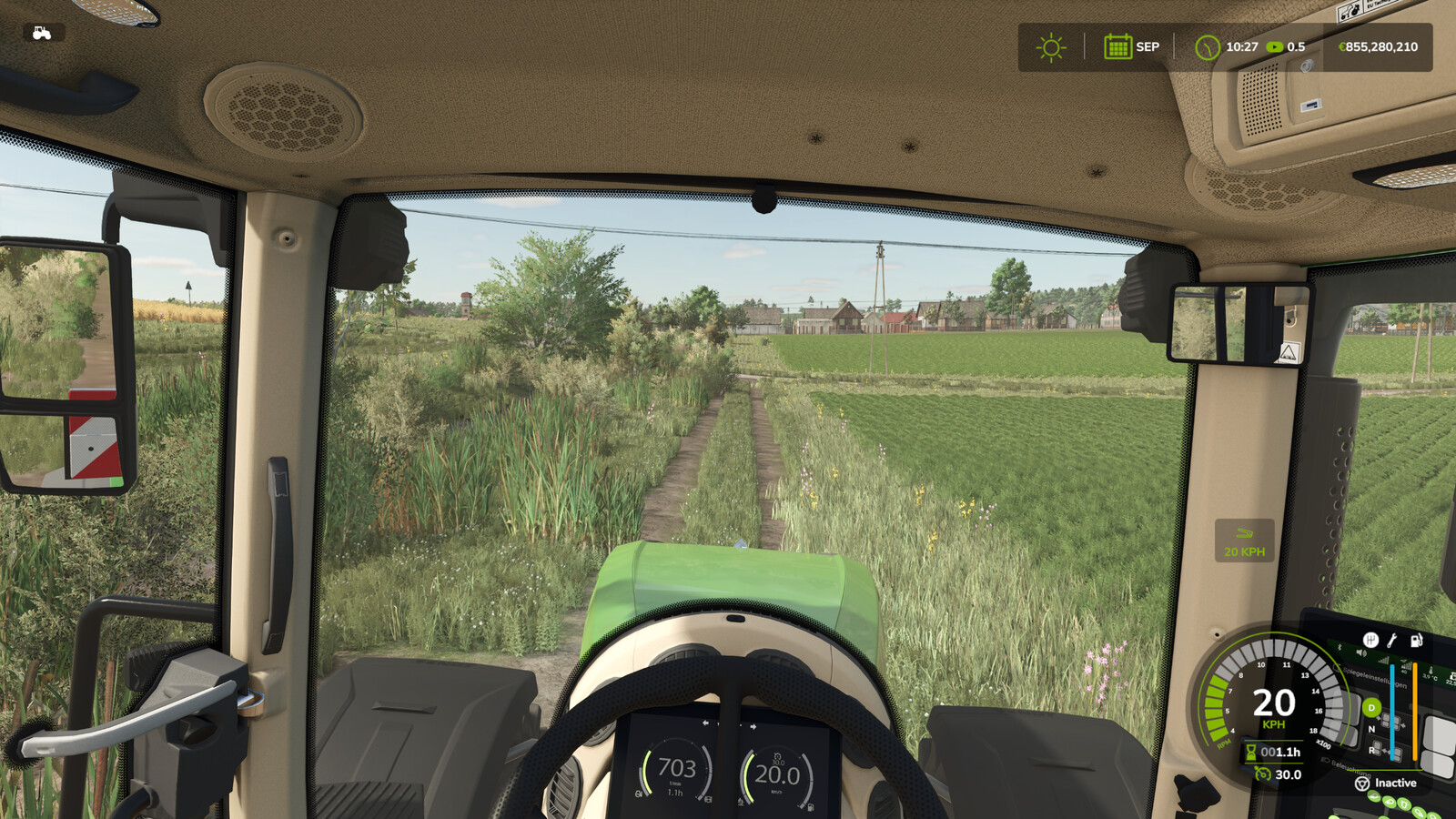
Limits the acceleration of the drive pedal to an adjustable speed (km/h) value, similar to the functionality found in Fendt Vario tractors.
This function allows for more precise control of the driving speed when using the drive pedal in conjunction with the steering wheel and pedals. It is particularly useful when driving alongside a forage harvester or combine harvester.
By default, the speed limit can be decreased using Ctrl + 1 and increased using Ctrl + 2. The vehicle's maximum speed serves as the upper limit.
The speed limit can be toggled on or off using Ctrl + 3 (default setting).
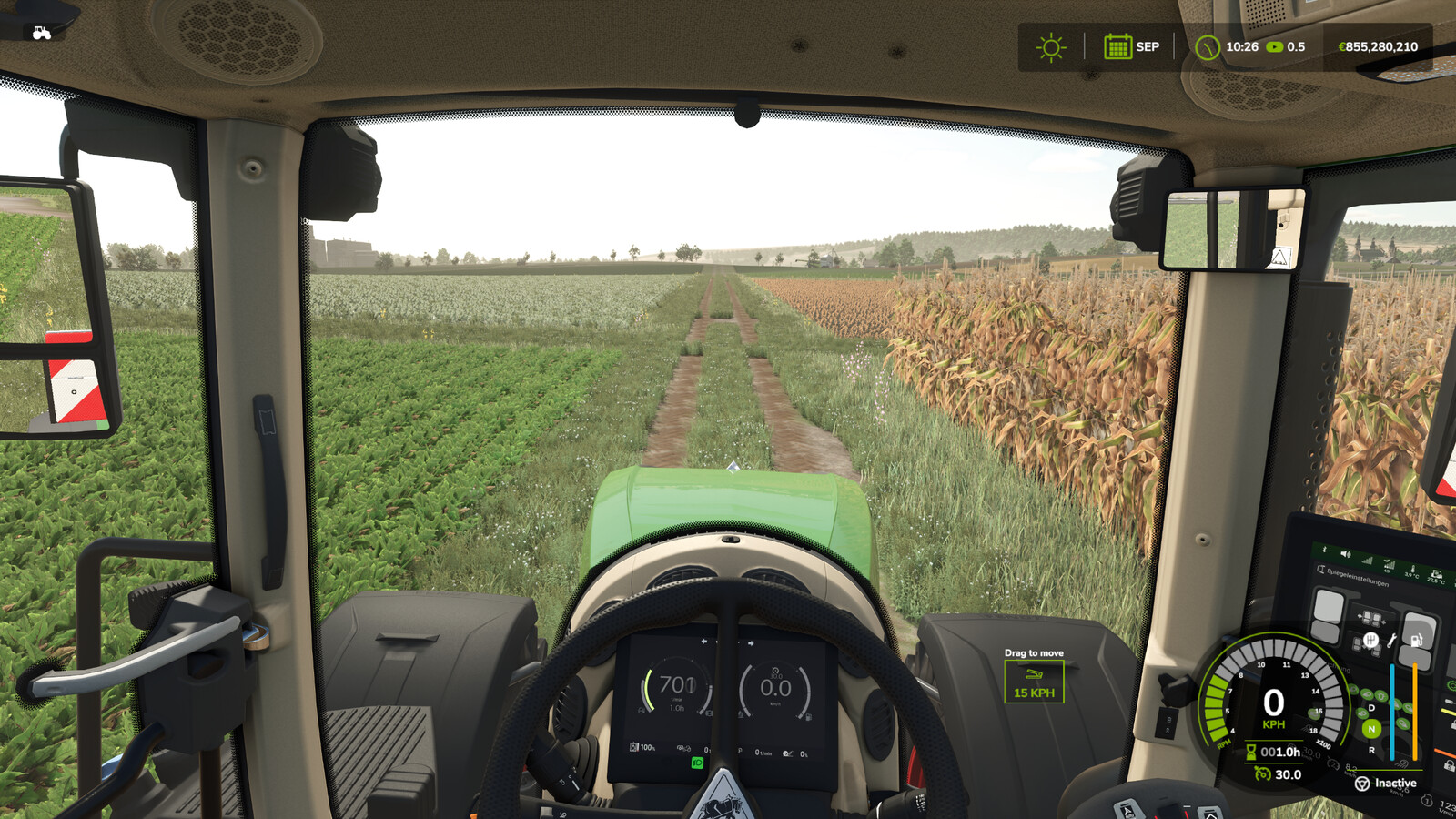
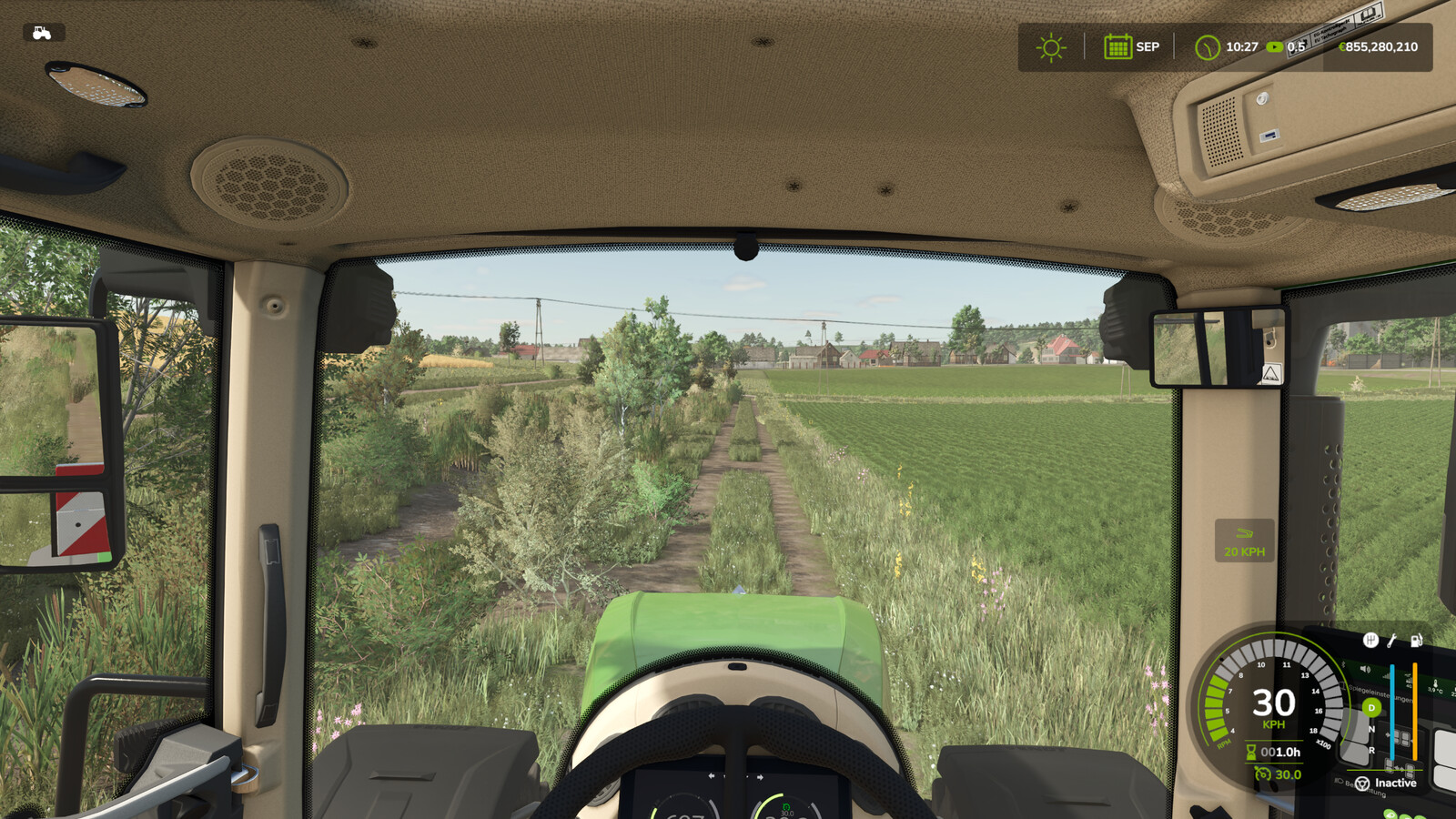
All settings are displayed in a small HUD that can be freely repositioned using the mouse. To activate the repositioning mode, press the middle mouse button.
The set speed limit is displayed in the HUD. Once the limiter is active, the symbol and the speed display appear in green.
All key bindings can be customized in the settings.
Note: The cruise control remains unaffected by this function and can continue to be used as usual.
Multiplayer is supported.
Feedback and bug reports on GitHub:https://github.com/0lesch/FS25_SpeedLimiter/issues
More from Ole_sch

Suggested Mods
Ratings & Reviews
0
0 reviews
| 5 stars | ||
| 4 stars | ||
| 3 stars | ||
| 2 stars | ||
| 1 stars |
| Login above to Rate & Review this. Let us know what you think! |
| No Ratings & Reviews Yet. Be the first to leave a Rating & Review! |